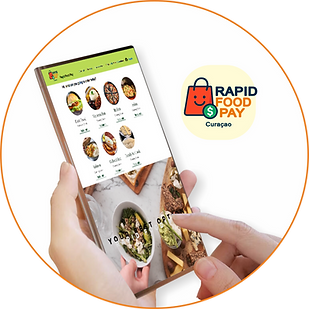
Pago rápido de alimentos
Ola, Kiko bo ta bai pidi awe?
Ola, Kiko bo ta bai pidi awe?
Ola, Kiko bo ta bai pidi awe?
Ola, Kiko bo ta bai pidi awe?
how we work
1. Access Rapid Food Pay
-
The user visits the platform and sees all the available restaurants in their area.
2. Explore Restaurants
You can see:
-
Photos
-
Description
-
Hours
-
Reviews
-
Full menus for each restaurant
3. Select a Restaurant
By clicking, you go to the restaurant's page with:
-
Detailed Menu
-
Prices
-
Categories (appetizers, main courses, drinks, etc.)
-
Promotions
4. Add Items to Your Cart
-
The user chooses the dishes they want, adjusts quantities, and reviews their selection before paying.
5. Review your order
Before paying, you can see:
-
Subtotal
-
Taxes (if applicable)
-
Total
-
Estimated delivery or pickup time
6. Pay quickly and securely with Sentoo
Our partner Sentoo offers:
-
Fast payments
-
Enhanced security
-
Instant confirmation
-
Payment in seconds.
7. Receive instant confirmation
As soon as payment is complete:
-
Receive an order confirmation notification
-
The restaurant receives the order in real time
8. Receive your food or pick it up
Depending on the restaurant:
-
Delivery
-
Pick-up
-
The user receives the order and can leave a review.
9. Save your order history
The user can:
-
Save favorites
-
Repeat orders
-
View your order history