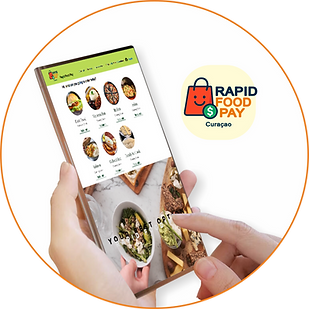
how we work
1. Access Rapid Food Pay
-
The user visits the platform and sees all the available restaurants in their area.
2. Explore Restaurants
You can see:
-
Photos
-
Description
-
Hours
-
Reviews
-
Full menus for each restaurant
3. Select a Restaurant
By clicking, you go to the restaurant's page with:
-
Detailed Menu
-
Prices
-
Categories (appetizers, main courses, drinks, etc.)
-
Promotions
4. Add Items to Your Cart
-
The user chooses the dishes they want, adjusts quantities, and reviews their selection before paying.
5. Review your order
Before paying, you can see:
-
Subtotal
-
Taxes (if applicable)
-
Total
-
Estimated delivery or pickup time
6. Pay quickly and securely with Sentoo
Our partner Sentoo offers:
-
Fast payments
-
Enhanced security
-
Instant confirmation
-
Payment in seconds.
7. Receive instant confirmation
As soon as payment is complete:
-
Receive an order confirmation notification
-
The restaurant receives the order in real time
8. Receive your food or pick it up
Depending on the restaurant:
-
Delivery
-
Pick-up
-
The user receives the order and can leave a review.
9. Save your order history
The user can:
-
Save favorites
-
Repeat orders
-
View your order history